Digital Literacy as a Tool for Female Empowerment
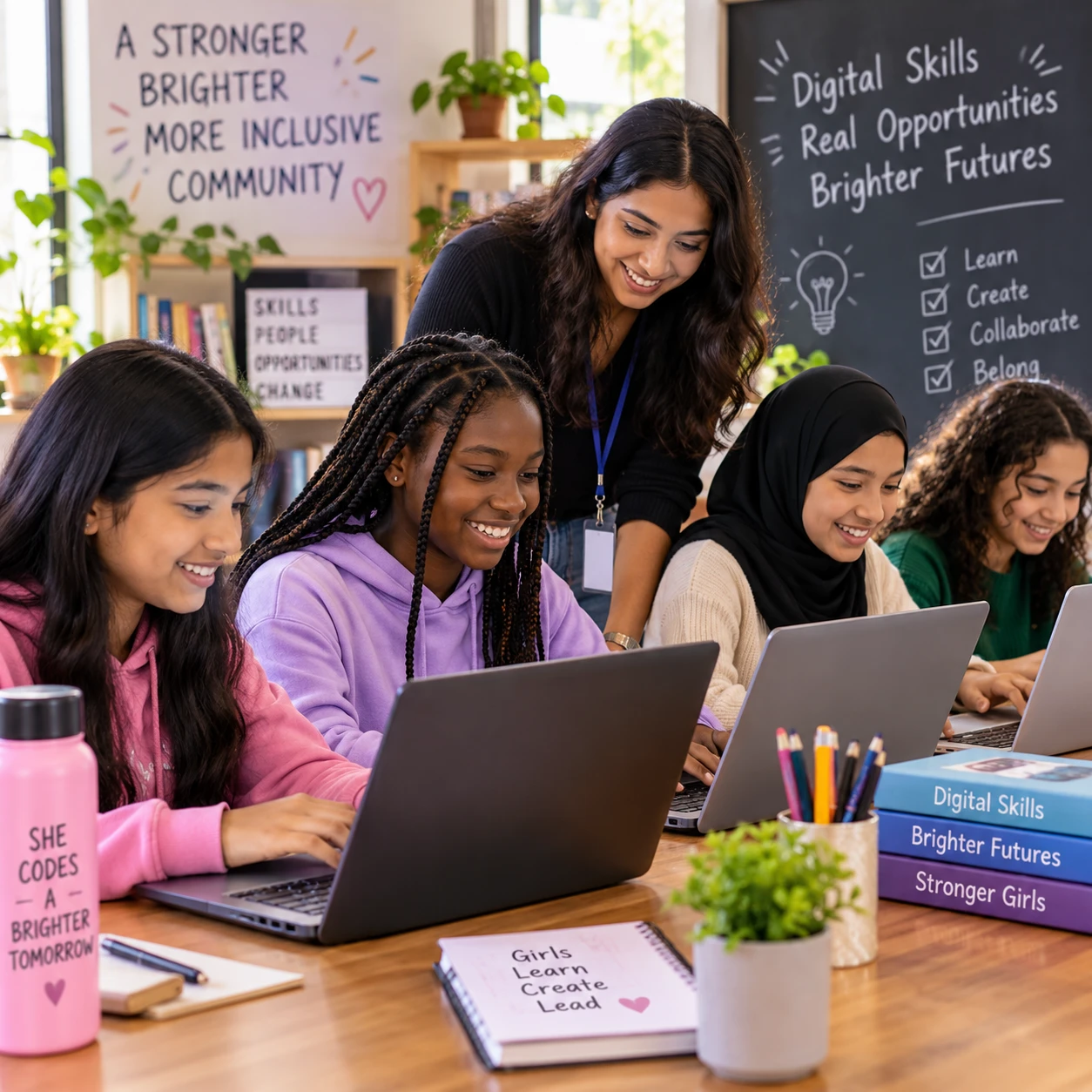
Knowing how to use a phone or computer can open doors, but meaningful digital literacy goes further. It helps girls and women find reliable information, communicate with confidence, protect their privacy, and make informed choices about education, work, and daily life.
For a girls empowerment programme, digital learning is most effective when it builds both practical skills and personal agency. Access to technology matters, but it is not enough on its own: learners also need safe opportunities to practice, supportive guidance, and the freedom to use what they learn.
What digital literacy means today
Digital literacy is the ability to use digital devices and online services thoughtfully, safely, and effectively. It includes finding and assessing information, communicating, creating content, and understanding how to protect yourself online.
The skills can be simple and practical. A learner might use a search engine to compare sources for a school assignment, send an email with an attachment, join an online class, or create a presentation. She may also need to recognize misleading content, choose a strong password, and adjust privacy settings.
Digital literacy is broader than knowing which buttons to press. It includes judgment: Is a website trustworthy? Is it safe to share this photo or personal detail? Does this message look like a scam? These questions are part of digital citizenship, which means participating online responsibly and respectfully.
Skill needs also change with the task. A student researching a science project needs information and communication skills; someone applying for a job may need to create a résumé, complete an online form, and join a video interview. Learning should connect tools to real goals rather than treating technology as an end in itself.
How digital skills can expand opportunities
Digital skills can help girls and women access learning, explore careers, develop small businesses, and use essential services. Their value depends on whether learners can apply those skills to opportunities that are available and relevant to them.
For girls’ education, digital tools can provide access to tutorials, digital libraries, language practice, and communication with teachers or study groups. A learner who misses a lesson may be able to review shared materials later, if she has a device, a reliable connection, and a suitable place to study. Online resources can complement school, though they cannot replace qualified teaching or remove barriers such as fees and limited connectivity.
Digital literacy can also support economic opportunity. Girls can explore career paths, prepare applications, build a portfolio, and learn about training opportunities. Women running a small business may use messaging tools to communicate with customers, spreadsheets to track costs, or online platforms to promote products. These tools can help, but income is never guaranteed; business results still depend on demand, resources, safety, and other conditions.
Everyday services are another important area. Depending on local availability, people may use digital platforms to access health information, public services, transportation, or financial tools. A programme can make practice concrete by helping learners complete a mock application or compare trustworthy sources, without asking them to share sensitive personal information.
Building confidence and independence online
Using digital tools with support and practice can strengthen confidence, problem-solving, self-expression, and participation. The goal is for girls to make informed choices online, not simply to spend more time there.
Small successes build capability: locating a reliable source, troubleshooting a connection, or creating a first slide presentation. When learners explain how they solved a problem, they begin to see themselves as capable technology users. That confidence can carry into schoolwork, job searches, and conversations with adults about their goals.
Online communication can also give girls new ways to express ideas and connect with communities. They might record an audio story, design a poster about a local issue, or collaborate on a project with peers. Facilitators should help learners choose audiences and platforms carefully, especially when content could reveal their identity or location.
Independence does not mean handling every online challenge alone. Asking a trusted adult for help, checking a source with a teacher, or reporting harassment are signs of sound judgment. A useful learning sequence is try, check, decide: practice a task, verify what happened, then choose what to share or do next.
Barriers girls and women may face
Girls and women can face barriers to digital inclusion, including limited access to devices, high costs, social expectations, inaccessible design, or low confidence. These barriers differ across households and communities, so programmes should ask learners what they need rather than assume.
A shared phone may be available only at certain times, while data costs make video lessons impractical. Some learners may have to travel to reach a computer, or may not have a quiet place to study. In other settings, family concerns about online safety or cultural expectations can affect whether girls are encouraged to use technology. These are specific circumstances, not universal experiences.
Disability can create additional obstacles when websites, devices, or lessons do not work well with screen readers, captions, alternative input methods, or different learning needs. Language, literacy level, age, and prior experience also shape what support will be useful.
Confidence can be a barrier too. A learner who has had little access to a computer may worry about making a mistake, especially if others appear more experienced. Start with beginner-friendly practice and make errors a normal part of learning. Providing a device without time, instruction, connectivity, or a safe place to use it may leave the underlying barrier untouched.
Making online participation safer
Girls can participate more safely online by protecting personal information, checking unfamiliar messages, communicating respectfully, and seeking help when something feels wrong. Safety is a shared responsibility involving learners, families, educators, platforms, and programme staff.
Teach practical habits in context, then let learners practice:
- Protect privacy: Use strong, unique passwords where possible, enable extra account security when available, and avoid posting details such as a home address, live location, or school schedule publicly.
- Check before responding: Be cautious with unexpected links, requests for money, password prompts, or offers that seem too good to be true. Verify the sender through a separate, trusted channel.
- Set boundaries: Learners can block or report abusive accounts, save evidence when appropriate, and leave conversations that feel threatening or coercive.
- Ask for help: Identify a trusted adult or programme contact before a problem occurs. If a learner faces immediate danger, follow local safeguarding and emergency procedures.
Online safety is not a promise that harm can always be prevented. Avoid placing the burden on girls to manage harassment alone. Programmes should have clear reporting routes, protect confidentiality, and respond without blaming the person who experienced harm.
How programmes can support lasting digital empowerment
Girls empowerment programmes can build lasting digital empowerment through hands-on learning, accessible technology, mentorship, and continued support. Strong programmes connect each skill to a learner’s own goals and address the conditions that make practice possible.
Begin by asking participants what they want to do: complete schoolwork, communicate with family, explore careers, or learn a creative tool. A brief skills check can help facilitators plan different starting points without labeling learners as capable or incapable. Use small projects that lead to a visible result, such as a presentation, a digital story, or a practice résumé.
Make access workable. Offer devices during sessions, consider offline materials when connectivity is limited, and provide accessible tools and instruction in languages learners understand. If a programme lends devices, explain how to borrow, charge, maintain, and return them. Equipment matters, but it needs to come with time to practice and a person learners can ask for help.
Mentors can connect technical skills with real choices. A local professional might demonstrate how she uses spreadsheets at work, while a former participant shares how she prepared for an online course. Keep examples broad enough to show different paths; not every girl wants the same career or uses technology in the same way.
Finally, check whether the programme is working beyond attendance. Ask learners whether they can complete useful tasks independently, find help when stuck, and make safer decisions online. Build in follow-up sessions so skills do not fade after a short course. Digital inclusion becomes empowerment when access, capability, safety, and choice grow together.
Frequently asked questions
What does digital literacy include?
Digital literacy includes using devices and online services, finding and assessing information, communicating, creating content, protecting privacy, and participating responsibly as a digital citizen.
How can digital literacy empower girls and women?
It can help them pursue education, explore work and business options, access services, express ideas, and make informed decisions. The benefits depend on practical access, safety, and wider opportunities.
How can girls stay safer online?
They can limit personal information, use strong passwords, check suspicious messages, block or report harmful accounts, and contact a trusted adult or programme staff member when concerned.
How can a girls empowerment programme teach digital skills?
A programme can provide guided practice on real tasks, accessible devices, supportive mentors, online safety lessons, and ongoing help. It should adapt to participants’ goals, experience, and access needs.